Business Profile on Google: The Guide to Filling It Out Properly
Setup, verification, categories, service area, description, photos and tracking: how to fill out your Google Business Profile so you show up on Google Maps when a customer searches for your trade near them.

When someone searches for “electrician Saint-Étienne” or “physiotherapist near me,” Google first shows a map with three businesses, even before the websites. Those results come from Google Business Profile listings. This profile is free, and it is often seen by more people than your website itself. Here’s how to create, verify and fill out your Google Business Profile so that it really works for you.
1. Create or claim your Business Profile
Go to business.google.com and sign in with your business’s Google account. Before creating a profile, search for your business name on Google Maps: a listing may already exist, created automatically or by a former partner. In that case, you claim it rather than creating a second one, because duplicates hurt your visibility.
When you set it up, Google asks whether you welcome customers at a location:
- yes: your address is shown on the map (shop, practice, workshop open to the public);
- no: you create a service-area business, your address stays hidden and you list the towns where you work.
2. Get through the verification step
Google needs to check that you really are the person in charge of the business. Depending on the case, it offers a phone call or a text message, an email, or, more and more often, a short video: in a single take, you film the outside of your premises or your vehicle, your work tools and a document proving that you run the business.
Until the profile is verified, it isn’t visible and some options, such as the booking link, remain locked. Prepare this step carefully: a rejected video makes the wait longer.
3. The information to get right
The name
Enter the real name of your business, exactly as it appears on your storefront or your paperwork. Adding keywords (“Dupont Plumbing Heating 24h Emergency Repairs Saint-Étienne”) goes against Google’s guidelines for representing your business and can lead to your profile being suspended.
The primary category
This is the most important setting: it tells Google which searches to show you for. Choose the most specific category that matches your main activity, then add a few secondary categories for your other lines of work.
The service area
For a service-area business, list the towns or areas where you actually work, up to twenty areas. There’s no point in covering the whole of France if you really only work within a thirty-kilometer radius.
Contact details and opening hours
Phone number, website, opening hours, special hours for public holidays: this information must be accurate and identical to what’s on your website. The website link can point to your homepage, or to the page for the relevant city if you have several locations.
The description
You have 750 characters to present your business: what you do, for whom, where, and what sets you apart. Write for your customers, in a natural way. Links and promotional messages have no place here.
Services and attributes
List each of your services with a short description, and tick the attributes that apply to you: online appointments, accessibility, languages spoken… These are all pieces of information that help a customer choose you.
4. Photos: show the real thing
Add your logo, a cover photo, then real photos: your premises, your team, your work, your vehicles. Photos from image banks don’t fool anyone. Add new ones regularly: a profile that’s alive inspires more trust than one that hasn’t changed in three years.
5. Posts: show that you’re active
Your profile lets you publish news, offers or events. One post a month is enough to show that the business is active, and it gives people one more reason to contact you.
6. Reviews: the engine of your Business Profile
The number, rating and recency of your reviews matter both to your prospects and to your local ranking. Ask every satisfied customer for a review, using the direct link your profile provides, and reply to every review, positive and negative alike. Replies are public: they show your professionalism to everyone who reads them.
7. Connect your Business Profile and your website
Google cross-checks the information on your profile with the information on your website. Here’s how to strengthen that consistency:
- your name, address or service area, and phone number are written the same way everywhere;
- your website clearly mentions your city and the area you serve;
- your contact page can embed the Google map of your business;
- your website describes your business to Google with structured data, which visitors don’t see.
8. Track the results
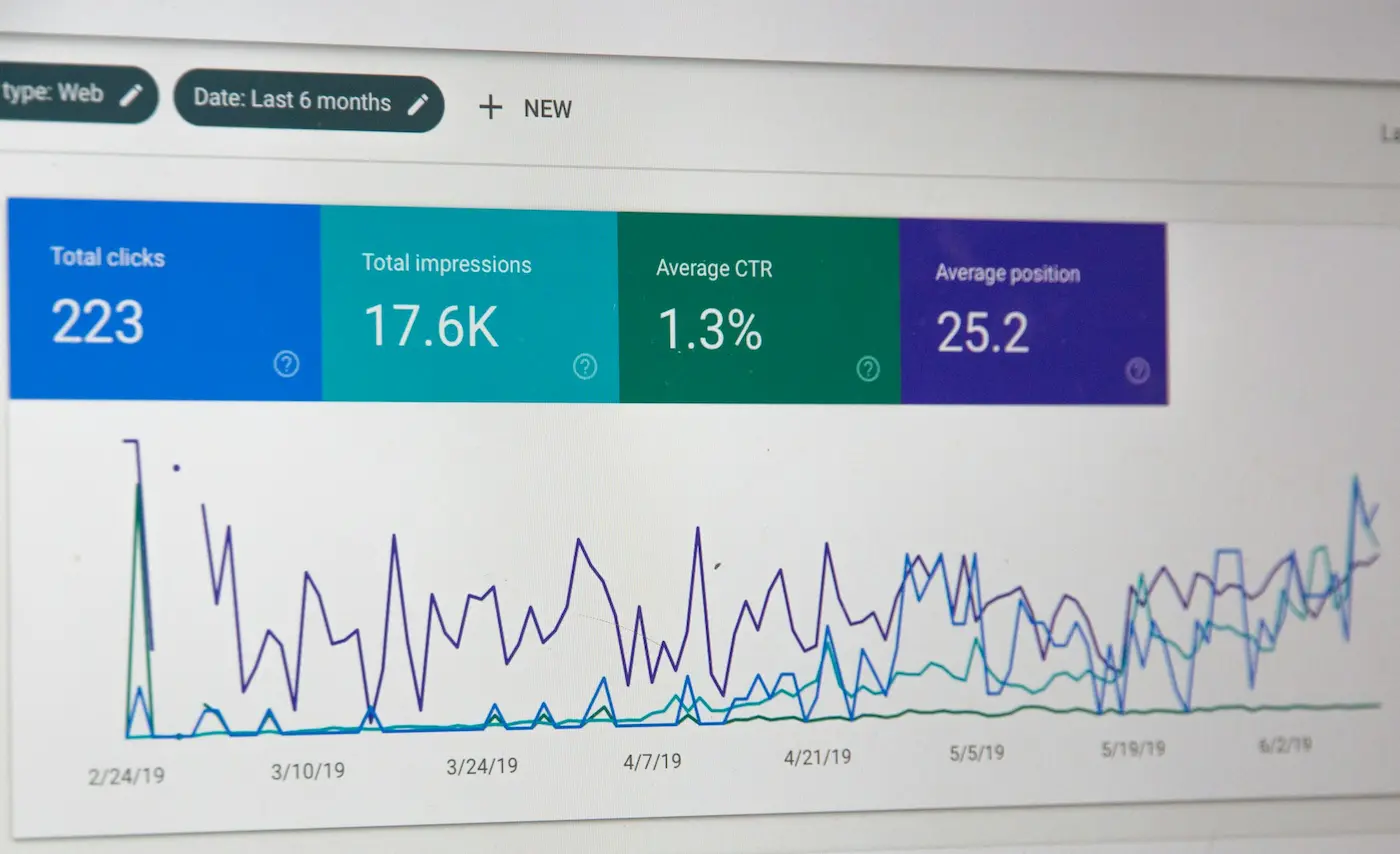
Your profile’s Performance tab shows how many people have viewed it, the searches that displayed it and the actions that followed: calls, clicks to your website, requests for directions. Take a look at it once a month to see what’s improving over time.
Mistakes to avoid
- Creating a second profile instead of claiming the existing one.
- Stuffing the name with keywords.
- Listing a fake address, or a virtual office address where nobody works.
- Leaving reviews unanswered, especially the negative ones.
- Forgetting to update your opening hours, particularly during holidays.
The bottom line
A complete, verified and active Google Business Profile is the fastest lever for becoming visible locally. It works hand in hand with your website, as I explain in my guide to local SEO in Saint-Étienne. If you want a website that strengthens your profile and brings you inquiries, discover my WordPress SEO services, or let’s talk.
Does a Google Business Profile cost anything?
No, it’s completely free. Google sometimes offers advertising credits when you create it, but the profile itself, its verification and its management cost nothing.
How long does verification take?
Often a few days, sometimes longer if Google asks for additional checks. Until the profile is verified, it doesn’t appear publicly and some options remain locked.
Can I have a profile without premises that welcome the public?
Yes. If you travel to your customers or work remotely, you create a service-area business profile: your address stays hidden and you list the towns you serve.