WordPress vs Wix: which one should you choose for your business website?
WordPress vs Wix? Site ownership, SEO, costs, scalability, editing it yourself: a web designer’s honest comparison to help you choose the platform that truly fits your business.

“I’m going to build my site on Wix, it’s easier, right?” I hear this question a lot. WordPress vs Wix: both let you create a business website, but they work in very different ways, with real consequences for who owns your site, how it ranks, how it can grow and what it costs over time. Here’s an honest comparison so you can make an informed choice.
Two different approaches
Wix is an all-in-one platform: you rent a site builder, and the hosting and the site work together, for a subscription fee. Everything is built in and easy to get started with, but you stay inside the Wix ecosystem.
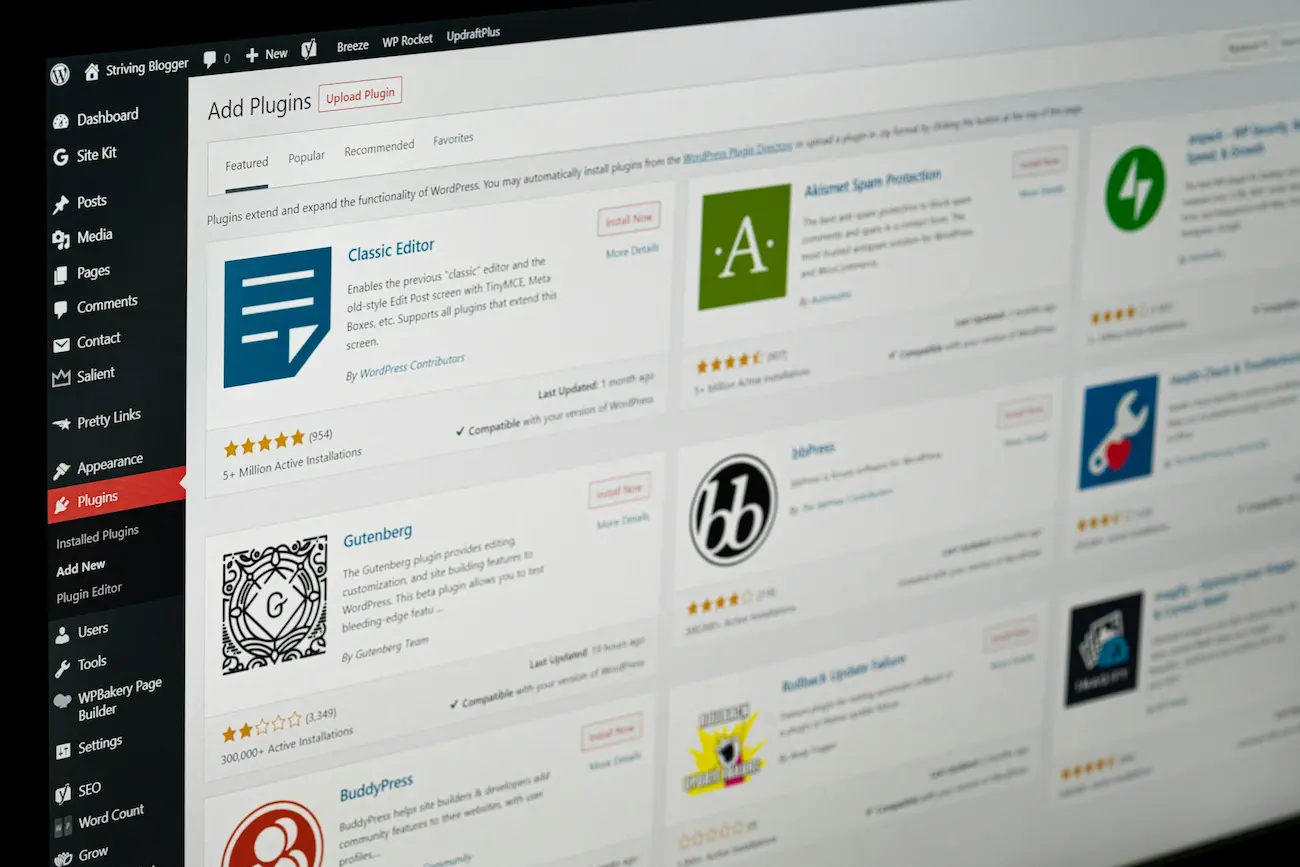
WordPress is open-source software: you install it on the hosting provider of your choice, and the site belongs entirely to you. It powers a very large share of the world’s websites, from personal blogs to major corporate sites, thanks to its huge ecosystem of themes and plugins.
WordPress vs Wix at a glance
| Factor | Wix | WordPress |
|---|---|---|
| Site ownership | You rent the platform; the site can’t be moved elsewhere | The site belongs to you and can switch hosts |
| Ease of use | Very easy to get started on your own | Easy day to day, once the site is properly built |
| Design | Customizable templates | Fully custom design possible |
| SEO | Decent, with limited settings | Full control: structure, code, speed, tags |
| Scalability | Limited to the platform’s features | Almost limitless: online store, booking, multilingual, intranet… |
| Cost | Monthly subscription for as long as the site exists | Annual hosting and domain, one-time build |
When Wix is a good choice
Let’s be honest: Wix works very well in some cases.
- You want to build a small site yourself, quickly, with no design budget.
- Your site is mainly a digital business card and you don’t expect traffic from Google.
- You’re not planning any major changes in the years ahead.
For a personal project, a one-off event or a first test of a business idea, it’s a reasonable option.
When WordPress is the clear choice
As soon as your website needs to become a real sales tool, WordPress takes the lead:
- You want to be found on Google: control over page structure, speed and SEO settings gives you an edge over your competitors.
- Your image matters: a custom design sets you apart from sites built from the same templates.
- Your business is going to evolve: adding online booking, a store, a new language or a customer portal can be done without switching platforms.
- You want to stay the owner: you can change hosts or providers at any time, without starting from scratch.
What about editing it yourself?
That’s Wix’s main selling point: editing everything yourself, visually. With WordPress, it’s just as doable thanks to a visual builder like Elementor: you click on a piece of text to change it, drag in an image, add a section.
The difference is that a professional first builds a solid foundation (design, structure, performance, SEO), then hands it over to you. You handle the day-to-day, and the site stays consistent. That’s exactly what I offer with my WordPress website design service, including Elementor training at handover.
The cost question
Comparing the price of a Wix subscription with the cost of a WordPress build only makes sense over several years:
- with Wix, the subscription runs for as long as the site exists, and stopping means losing the site;
- with WordPress, the build is a one-time investment, plus hosting, the domain name and, ideally, maintenance.
For a detailed ballpark, check out my article on how much a WordPress website costs.
Can you switch from Wix to WordPress?
Yes, and it’s common. A Wix site can’t be exported as is: the content is carried over, the design is rebuilt (often for the better), and each old URL is redirected to the new page to preserve your search rankings. Your domain name, on the other hand, can be kept.
My advice
If your website needs to bring in customers, betting on WordPress means choosing freedom and room to grow. If you just need a minimal online presence, Wix may be enough to get started. Still on the fence? Tell me about your project during a free initial call, and I’ll tell you honestly what suits you best, even if it isn’t WordPress.
Is WordPress free?
The WordPress software is free and open source. A business website, however, requires a domain name, hosting, sometimes premium plugins, and either the time to build it yourself or a professional’s help.
Is Wix bad for SEO?
No, a Wix site can rank on Google. WordPress simply gives you more control over structure, code, speed and SEO settings, which makes the difference for competitive searches.
Can I edit a WordPress site myself?
Yes. With a visual builder like Elementor, you edit text, images and pages directly on screen, without writing any code.