Business Website: The 7 Essential Pages, and What to Put on Each One
Home, services, past work, reviews, contact… Here are the 7 pages every business website needs to reassure your visitors and be clearly understood by Google, with what to put on each one.

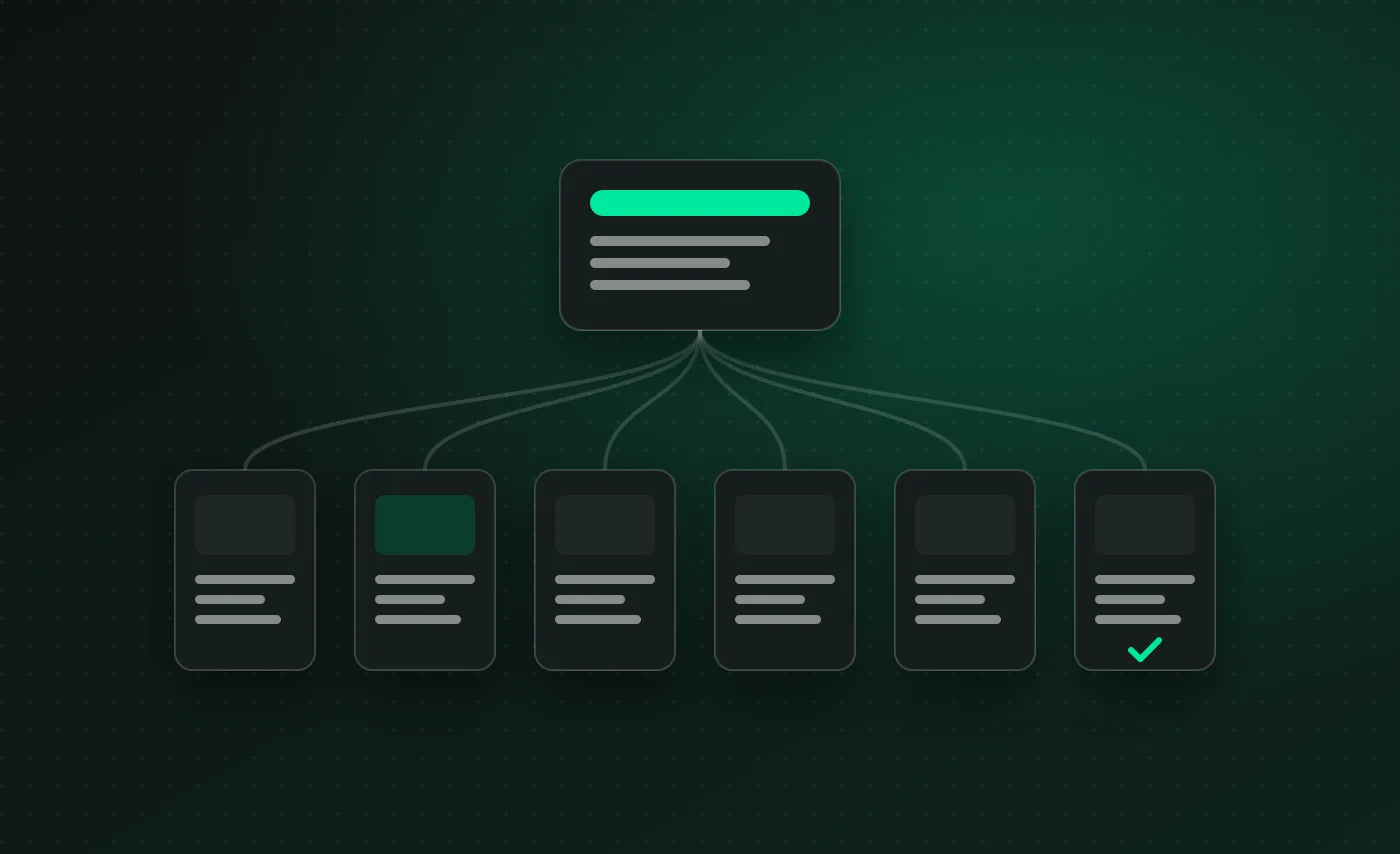
A business website doesn’t need thirty pages. It needs the right pages, each with a specific job: presenting what you offer, proving that you’re reliable, and guiding the visitor all the way to getting in touch. Here are the seven business website pages I consider essential, and what each one should contain to be useful to your visitors as well as to Google.
1. The homepage: say who you are in one sentence
Your homepage has to answer three questions within a few seconds: what do you do, who do you do it for, and where? One clear sentence at the top of the page is worth more than a creative but vague slogan.
What it should include:
- a heading that describes your trade and your area (for example, “Plumbing and heating engineer in Saint-Étienne”);
- a call-to-action button that’s visible without scrolling: call, request a quote, book an appointment;
- an overview of your services, each one leading to its own page;
- proof: a few past projects, client reviews, and client logos if you have any.
2. One page per service: the heart of your visibility
This is the most common mistake: a single “Our services” page that lists everything in a few lines. For Google, one page covers one topic. If you offer three services, each one deserves its own page, with its own title and its own text: that’s what allows you to show up for the precise search your customer types in.
On each service page, you’ll find:
- the problem you solve, in your customers’ own words;
- what the service includes and how it unfolds;
- a ballpark price or a price range when possible;
- the frequently asked questions about that service;
- a call to action at the bottom of the page.
3. Past work: show rather than promise
A prospect wants to see what you’ve already done. A portfolio page, with photos or screenshots and a few lines of context for each project, is far more reassuring than a long list of qualities.
For each project, explain what the client needed, what you did and what the result was. A photo gallery with no explanation doesn’t do the job nearly as well. You can see how I present my own projects in my portfolio.
4. The about page: customers buy from people
Especially for a freelancer or a small team, the “About” page is often one of the most visited pages on the site. People want to know who they’re going to trust with their project.
Include a real photo, your background, what sets you apart and the way you work. There’s no need to tell your whole life story: three or four sincere paragraphs are enough.
5. Client reviews: social proof
Your clients’ reviews are your strongest argument. Gather them on a dedicated page, with the person’s first name and their job title or company when they agree to it, and feature a few of them on your homepage and service pages.
If you have a Google Business Profile, invite your visitors to check it out as well: Google reviews carry weight in your local visibility, as I explain in my local SEO guide.
6. The contact page: remove every obstacle
An effective contact page offers several ways to reach you and doesn’t ask too many questions:
- a short form (name, email, message, and possibly the type of project);
- a phone number that can be tapped to call on mobile;
- your address or your service area, with a map if you welcome customers on site;
- your opening hours and your usual response time.
A form with fifteen required fields drives people away. Every extra question should genuinely be useful to you.
7. The legal notice and the privacy policy
These are the pages nobody reads, but that every professional website must have. The legal notice states who publishes the site and who hosts it; the privacy policy explains what you do with the data sent through the contact form. They’re linked in the footer, on every page of the site.
Bonus business website pages, depending on your line of work
Depending on what you do, other pages can be very useful:
- an FAQ if your customers keep asking the same questions;
- a pricing page if your services lend themselves to it;
- local pages if you work in several towns;
- a blog to answer your customers’ questions and gain visibility on Google.
A typical business website structure
To sum up, here’s the structure I suggest most often:
- Home
- One page per service
- Past work
- About
- Client reviews
- Contact
- In the footer: legal notice and privacy policy
The main menu stays short, with five or six items at most. A visitor should find what they’re looking for in a single click.
Mistakes to avoid
- An endless menu: beyond six or seven items, visitors no longer know where to click.
- Generic copy: “quality, responsiveness, professionalism” doesn’t set anyone apart. Talk about your customers, your methods and your area.
- No call to action: every page should point to the next step.
- Empty “under construction” pages: it’s better to remove them until they’re ready.
What Google expects from a business website
Google sums up these principles itself in its SEO Starter Guide: logically organized pages, a clear title for each one, useful content and links that connect the pages to one another. A business website built around these seven pages already ticks most of those boxes.
The bottom line
Seven well-thought-out pages are enough for an effective business website, as long as each one has a clear role and moves the visitor toward getting in touch. Before you get started, my article on the website project brief will help you list your pages and your needs, and the one on how much a WordPress website costs will help you estimate your budget. And if you’d like us to build your site’s structure together, let’s talk during a free first conversation.
How many pages does a business website need?
For most freelancers, independent professionals and small businesses, five to ten pages are enough: the homepage, one page per service, past work, reviews, the about page, contact and the legal pages. A few well-filled pages are better than lots of empty ones.
Does a business website need a blog?
It isn’t mandatory, but it’s a good way to show up on Google for the questions your customers ask. One useful article a month is often enough to make a difference over time.
Should I display my prices?
When you can, yes: a “starting from” price reassures visitors, filters out inquiries that don’t match what you offer and saves both sides time. The detailed quote comes afterwards.